

Complete Guide to Cloud Backup for Small Business

Protecting Your Data in an Unpredictable World
After more than 25 years working in IT, one thing has become very clear to me: data loss rarely happens when it is convenient.
A computer crashes right before an important deadline. A ransomware attack locks files across an office network. A laptop containing years of personal photos disappears. When these things happen, the first question people ask is simple.
Can the data be recovered?
The answer almost always depends on whether a reliable backup system was already in place. Cloud backup services were created to solve this problem. By automatically storing secure copies of your files in remote data centers, they ensure that your information can be restored even if your computer fails.
This guide explores how cloud backup works, why it matters, and which services provide the best protection for individuals and small businesses.
Understanding Cloud Backups
Before choosing a backup service, it helps to understand how cloud backups protect your data and why they have become a critical part of modern technology management. If you are new to backups or simply want a deeper understanding of how they work, these guides explain the fundamentals.
What Is Cloud Backup and Why It Matters
Cloud Backup vs Local Backup: Which Is Safer
How to Automatically Back Up Your Computer
Why Small Businesses Cannot Afford Data Loss
What Happens If You Do Not Back Up Your Data
These articles explain the risks of data loss and how modern backup systems protect important information from hardware failure, ransomware attacks, and accidental deletion.
Cloud Backup Service Reviews
Not all backup services are created equal. Some focus on simplicity and affordability, while others offer advanced recovery tools and cybersecurity protection. Below are detailed reviews of several widely used backup platforms.
Carbonite Review
iDrive Review
Backblaze Review
Acronis Cyber Protect Review
CrashPlan Review
Each review explores how the service works, its strengths and limitations, and which types of users benefit most from its features.
Backup Service Comparisons
When people begin researching backup services, they often compare several options before making a decision. These side by side comparisons highlight the key differences between popular platforms and explain which solutions are better suited for specific environments.
Carbonite vs iDrive
Carbonite vs Backblaze
iDrive vs Backblaze
Carbonite vs Acronis
Backblaze vs Acronis
Understanding these differences can help you choose the backup service that best matches your needs.
Choosing the Best Backup for Your Situation
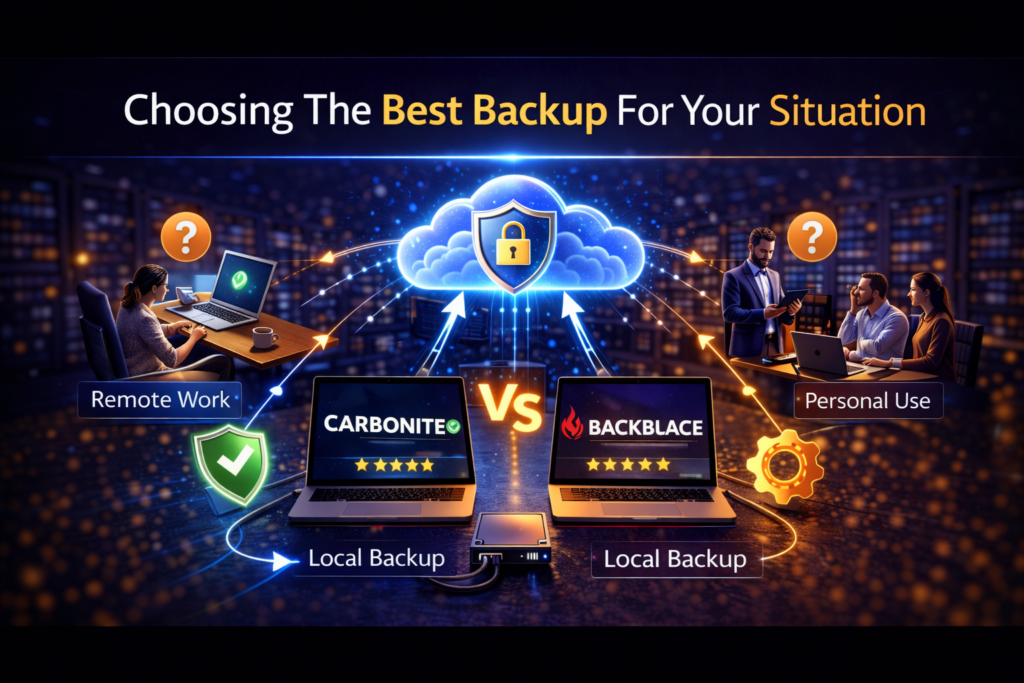
Different users require different backup strategies. A freelancer working on a laptop may need a simple automatic backup system. A household with multiple devices may want a platform that protects several computers. A small business may need stronger security tools and centralized backup management. These guides help identify the best backup solutions based on how your systems are used.
Best Cloud Backup Services for Small Business
Best Cloud Backup for Personal Use
Best Automatic Backup Solutions for Windows and Mac
Each article explains which backup platforms work best for different environments and why certain features matter more depending on your situation.
Why Cloud Backup Has Become Essential
Digital information has become one of the most valuable assets people and businesses possess. Photos, financial documents, creative projects, customer records, and business operations all depend on reliable storage systems.
Unfortunately, computers and storage devices eventually fail. Cyber threats continue to grow, and accidents happen more often than most people expect.
Cloud backup services provide a powerful safeguard against these risks by automatically storing encrypted copies of your data in secure offsite locations. When something goes wrong, those backups can be restored quickly, preventing permanent loss.
The MyFriend Perspective

At MyFriend our goal is simple. We want to help people make informed technology decisions and avoid preventable problems. Data loss is one of the most frustrating issues anyone can face with technology. Yet the solution is often surprisingly simple.
Reliable backup systems run automatically in the background and protect files without interrupting your work. Whether you are protecting personal memories or critical business information, setting up a dependable backup system is one of the smartest technology decisions you can make.
Final Thoughts

Computers will eventually fail. Cyber threats will continue to evolve. Accidents will happen. The difference between a temporary inconvenience and permanent data loss usually comes down to one factor.
Was the data backed up?
Cloud backup services provide a reliable and affordable way to ensure that important files remain protected no matter what happens to the original device. If your data matters to you, taking the time to implement a backup strategy today can save you from serious problems tomorrow.
That is advice from MyFriend on the web.