
Complete Guide to Remote Desktop Software for Small Business
Remote work has become a permanent part of modern business operations. Employees now work from home, travel between offices, and collaborate with teams across different locations. Because of this shift, businesses need reliable ways to access computers and systems from anywhere.
Remote desktop software has become one of the most important technologies enabling this flexibility. With the right tools, employees can securely access their office computers, IT professionals can troubleshoot problems remotely, and businesses can maintain productivity regardless of location.
After more than 25 years working in IT consulting and supporting small businesses, I’ve seen firsthand how remote access tools can dramatically improve productivity and operational efficiency. In this guide, we’ll explore how remote desktop software works, the best tools available, and how businesses can implement remote access securely.
What Is Remote Desktop Software?
Remote desktop software allows a user to control a computer from another location over the internet. When a remote session begins, the user’s device displays the screen of the remote computer. Keyboard and mouse inputs are transmitted back to that system, allowing the user to interact with it just as if they were physically sitting in front of it.
This makes it possible to:
• run software installed on office machines
• access files stored on workplace computers
• troubleshoot systems remotely
• support employees without traveling onsite
Many businesses rely on tools such as Splashtop and TeamViewer to enable secure remote access.
How Remote Desktop Technology Works
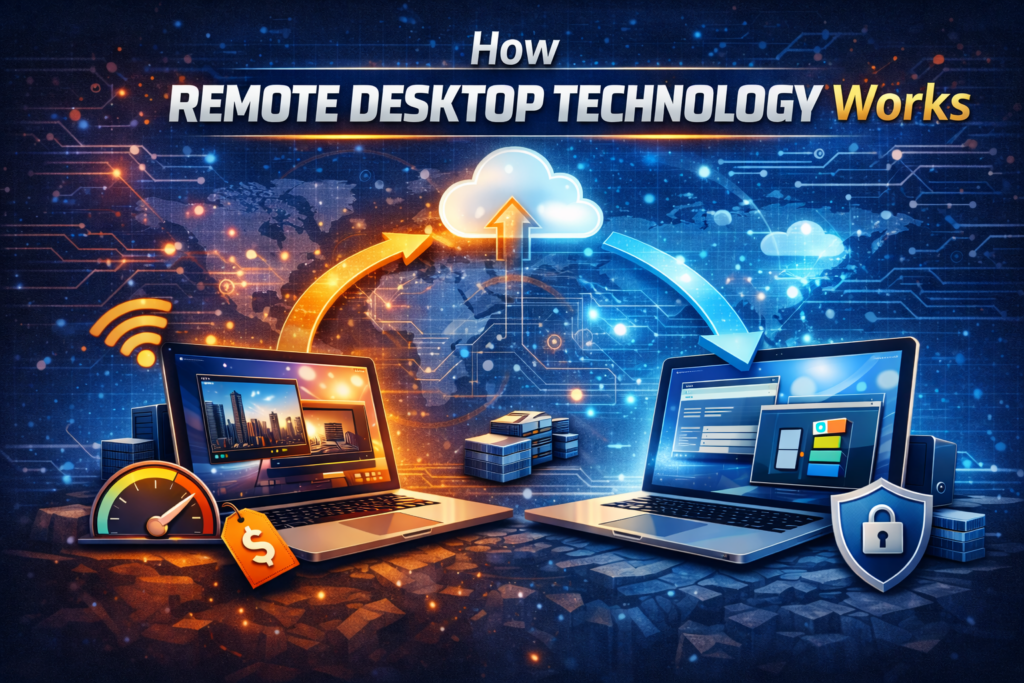
Remote desktop technology functions by transmitting screen data from the host computer to the user’s device while sending keyboard and mouse input back to the host system.
Modern remote desktop platforms compress and encrypt this data to ensure that remote sessions remain fast and secure even over the internet.
If you’d like a deeper explanation of the technology behind remote access, see the full article:
How Remote Desktop Software Works
How to Access Your Office Computer From Home
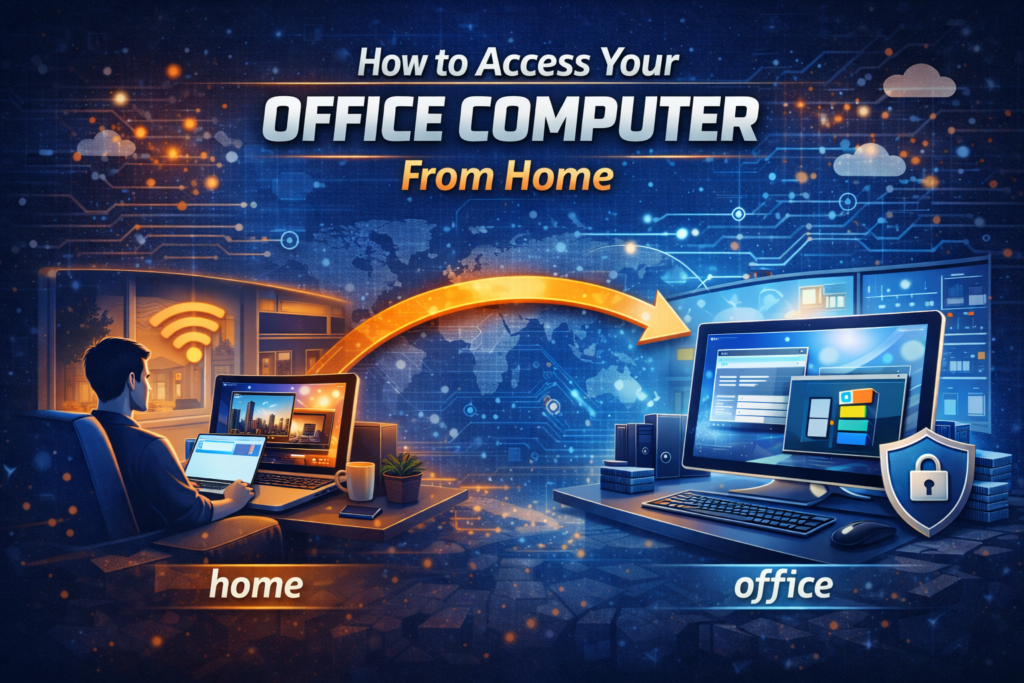
One of the most common uses for remote desktop software is accessing an office computer while working from home.
With remote access software installed on the office machine, employees can connect from a home laptop or tablet and continue working as if they were at their desk.
This approach allows businesses to support flexible work arrangements while maintaining access to important systems.
For a step-by-step walkthrough, see:
How to Access Your Office Computer From Home
Remote Desktop vs VPN
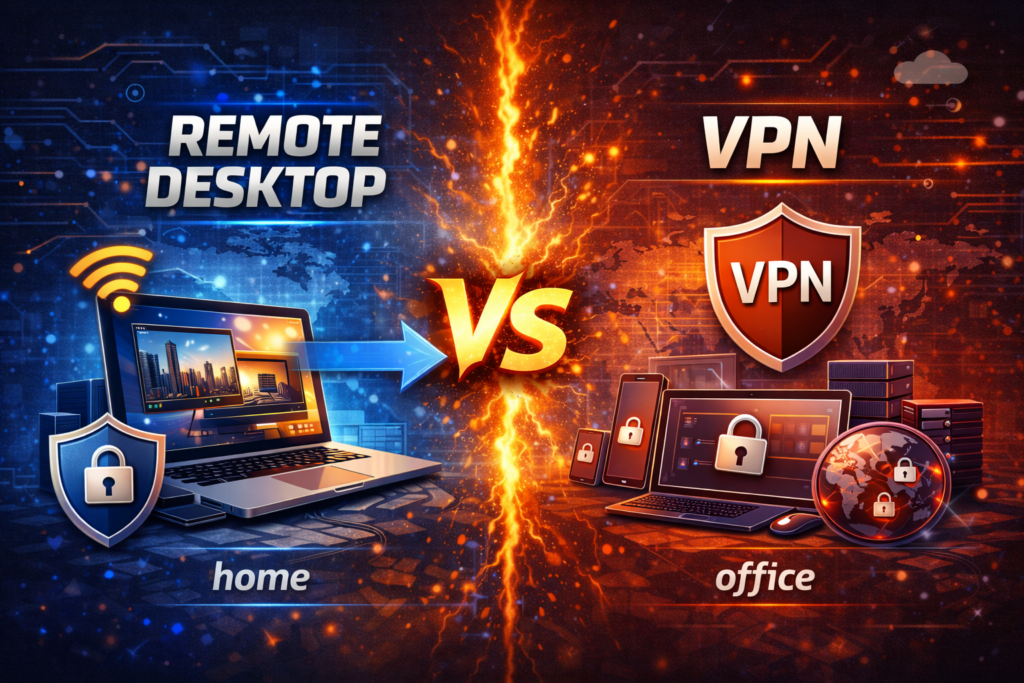
Businesses sometimes compare remote desktop software with VPN connections when enabling remote work. A VPN connects a remote device to the company network, allowing users to access internal resources such as file servers and databases.
Remote desktop software works differently by allowing users to control a specific computer remotely. Each approach has advantages depending on how employees use company systems.
For a full comparison, see:
Remote Desktop vs VPN: Which Is Better for Remote Work
Best Remote Desktop Software for Small Business
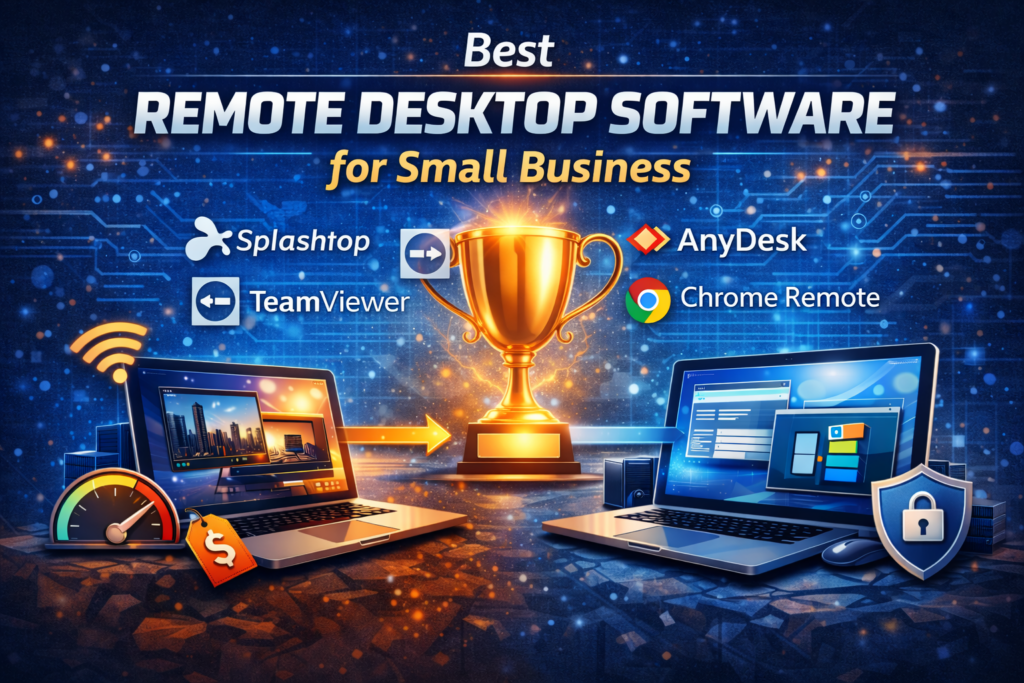
There are many remote access tools available today, each designed for different environments. Small businesses often look for platforms that balance performance, security, and affordability.
Popular options include:
• Splashtop
• TeamViewer
• AnyDesk
Each platform offers unique features depending on the needs of the organization.
To see a full comparison of top tools, read:
7 Best Remote Access Tools for Small Business
Splashtop Review
One remote desktop platform that has become particularly popular among small businesses and IT professionals is Splashtop.
The software provides fast remote connections, strong security protections, and competitive pricing compared with many enterprise remote access solutions.
To see a detailed breakdown of features and real-world use cases, read the full review:
Splashtop Review
Splashtop vs TeamViewer
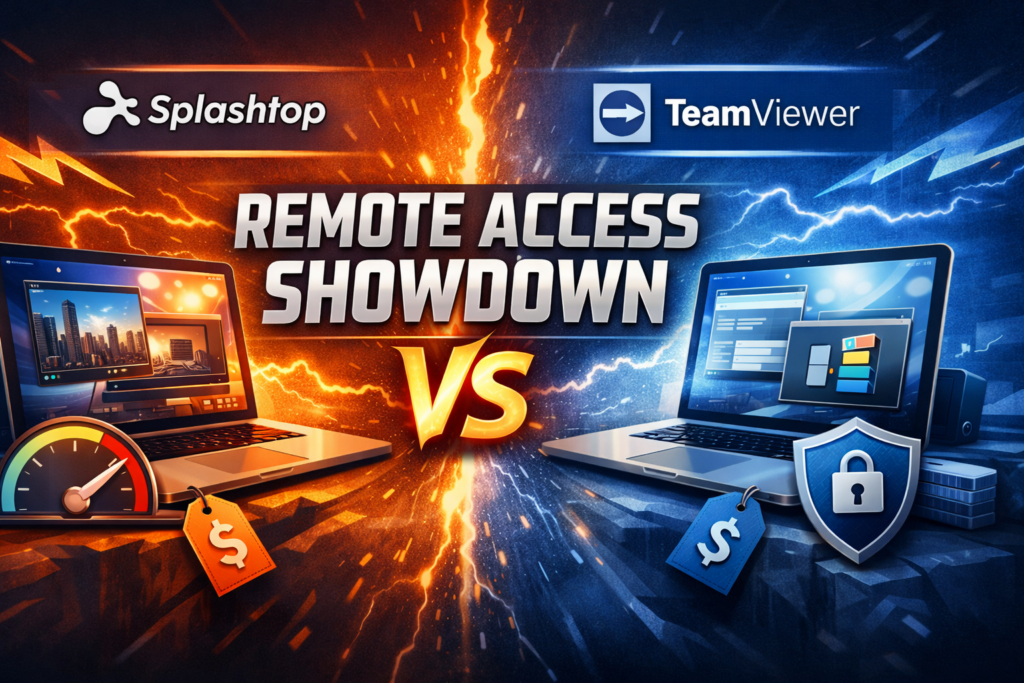
When evaluating remote desktop software, businesses often compare Splashtop and TeamViewer. Both platforms offer reliable remote access and strong security protections, but they differ in pricing, features, and the types of organizations they best serve.
You can see a detailed comparison here:
Splashtop vs TeamViewer
Splashtop vs AnyDesk
Another common comparison is between Splashtop and AnyDesk. Both tools provide fast remote connections and cross-platform compatibility. However, their pricing models and feature sets may appeal to different types of users.
See the full comparison:
Splashtop vs AnyDesk
Splashtop has become one of the most widely used remote access tools among small businesses and IT consultants.
Is Splashtop Safe?
Security is one of the most important concerns when enabling remote access. Modern remote desktop platforms use encrypted connections, authentication controls, and device verification to protect business systems.
If you want a deeper look at how Splashtop protects remote sessions, see:
Is Splashtop Safe? Security and Encryption Explained
Best Remote Desktop Tools for IT Support
Remote desktop software is also widely used by IT professionals to provide technical support. Instead of traveling to a client’s location, technicians can connect remotely to diagnose problems, install updates, and resolve technical issues. This allows IT providers to serve more clients efficiently while minimizing downtime.
Learn more in:
Best Remote Desktop Software for IT Support
How IT Consultants Provide Remote Support
Remote support has transformed how IT consultants help businesses maintain their technology. By using remote access tools, consultants can troubleshoot problems, configure systems, and guide users through solutions without needing to visit the office.
To learn more about how remote IT support works, see:
How IT Consultants Can Support Clients Remotely
Tools That Improve Remote Work Productivity
Remote desktop software is only one part of a successful remote work strategy. Businesses also rely on communication platforms, collaboration tools, and cloud storage services to help teams stay productive from anywhere. These tools allow employees to collaborate effectively even when working across different locations.
You can learn more about these technologies here:
Tools That Improve Remote Productivity
Final Thoughts
Remote desktop software has become a critical tool for modern businesses. It allows employees to access office systems from anywhere, enables IT professionals to provide remote support, and helps organizations maintain productivity in flexible work environments.
By choosing the right remote access tools and implementing strong security practices, businesses can take full advantage of the benefits that remote technology provides. As remote work continues to evolve, organizations that adopt reliable remote access solutions will be better positioned to support their teams and adapt to the changing workplace.
Ready to transform your ability to do business while on the go or working from home?
Click here!
View Current Prices